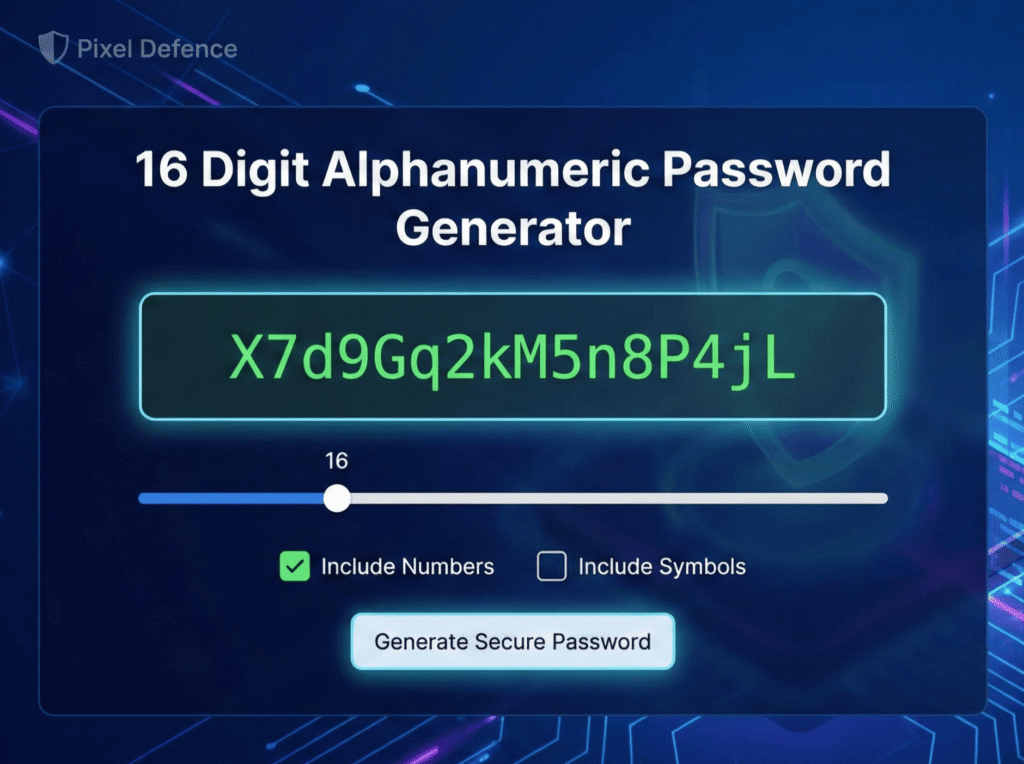
Use this free 16 digit alphanumeric password generator to instantly create secure, random passwords that contain only letters and numbers. Unlike standard tools, this generator is optimized for legacy systems, banking portals, and older Wi-Fi routers (WEP/WPA) that often reject special characters like ! or @.
While most security advice suggests using complex symbols, the reality is that many platforms simply break when you use them. This tool solves that problem by providing a pre-configured 16 digit alphanumeric password generator that runs entirely in your browser (Client-Side). Your data never leaves your device, and no passwords are ever sent to the Pixel Defence servers.
Password Generator
The Best 16 Digit Alphanumeric Password Generator
Are you looking for a secure 16 digit alphanumeric password generator that doesn’t use confusing special characters? You are in the right place. Many legacy systems, banking portals, and older Wi-Fi routers (WEP/WPA) require a specific format: letters and numbers only.
While most generators force you to use symbols like ! or @, this tool is pre-configured to generate a strong 16 digit alphanumeric password generator result instantly. Best of all, it runs locally in your browser (Client-Side), meaning your secure code is never sent to the Pixel Defence servers.
Why Do You Need an Alphanumeric Password?
Security experts often suggest using special symbols, but in the real world, many platforms simply break when you use them. This creates a need for a specialized 16 digit alphanumeric password generator.
- Banking Systems: Financial institutions often restrict inputs to A-Z and 0-9 to prevent code injection attacks.
- Wi-Fi Routers: Older routers can have trouble parsing complex symbols in the admin panel, locking you out of your own network.
- Legacy Software: Enterprise tools built decades ago often have strict character limitations.
By using a tool specifically designed as a 16 digit alphanumeric password generator, you ensure compatibility without sacrificing speed.
Is a 16-Character Password Safe Without Symbols?
Yes, absolutely. While removing symbols does slightly lower the complexity “entropy,” you can compensate for this by strictly adhering to the 16-character length.
Standard 16 digit alphanumeric password generator creates a key with roughly 47 sextillion possible combinations. According to the NIST Digital Identity Guidelines, length is often more critical than complexity when preventing brute-force attacks. A password of this length would take a modern computer millions of years to crack.
How to Use This Tool Securely
To get the most out of this 16 digit alphanumeric password generator, follow these three rules:
- Leave Symbols Unchecked: For strict alphanumeric requirements, keep the “Include Symbols” box empty.
- Stick to 16+ Characters: Do not lower the slider below 16 if you are not using symbols. Length is your main defense here.
- Generate Unique Keys: Never use the same password twice. Generate a fresh one for every account.
Frequently Asked Questions (FAQ)
Can I use this for my Instagram or Facebook?
Yes. While social media sites allow symbols, a 16 digit alphanumeric password generator creates a code that is still strong enough for social media protection, provided you enable Two-Factor Authentication (2FA).
Is this tool truly offline?
Yes. Unlike server-based tools, this 16 digit alphanumeric password generator uses JavaScript to build the password on your device. You can even disconnect your internet and the button will still work.
How long would it take to crack a password from this tool?
A random 16-character password including symbols would take standard cracking software millions of years to break.
Does Pixel Defence store my passwords?
No. At Pixel Defence, we prioritize user privacy. Since this tool runs entirely on your client-side browser, we have no way of seeing, storing, or transmitting the passwords you generate.