Amazon Prime Video ads appeared on your screen in January 2024 without warning. In March 2026 Amazon raised the price to remove them — again without telling you.
In March 2026, Amazon raised the price of its ad-free Prime Video tier, effective April 10, 2026. They did not send an email to subscribers. They did not place a prominent announcement on the app’s home screen. Unless you actively went digging into your billing statements or happened to catch a passing news headline buried in the tech press, you probably do not know yet.
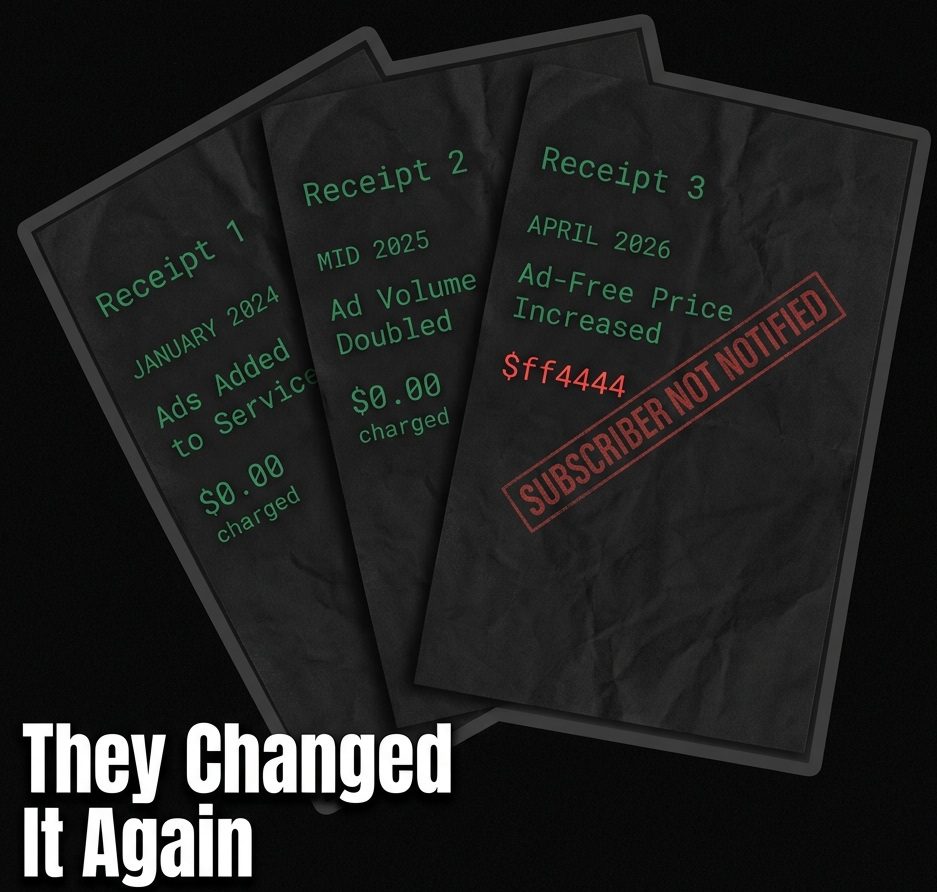
This is the third time Amazon has changed what you get for what you pay without telling you. First, they added ads in January 2024. Then they quietly doubled the ad volume by mid-2025. Now they raised the price to remove ads they added without your permission. I want to walk you through exactly what changed, what your options actually are, and why some of the ads on Prime Video cannot be removed no matter what you pay.
The Full Timeline: What Amazon Changed and When
To understand how we arrived at a point where a premium subscription service feels indistinguishable from traditional, ad-stuffed cable television, we have to look at the timeline. Amazon did not execute this shift all at once; they boiled the frog slowly. They executed a calculated, multi-year series of changes designed to maximize their advertising revenue while minimizing subscriber churn and public backlash.
January 2024: Ads Become the Default
On January 29, 2024, Amazon made advertisements the default experience on Prime Video. If you were paying for an Amazon Prime subscription—a service that built its massive subscriber base and global reputation on being an ad-free premium perk—you suddenly had your viewing interrupted by commercial breaks.
The most frustrating part was the delivery and the lack of transparency. While Amazon made an official announcement in September 2023, four full months before the implementation, the vast majority of subscribers never saw it.
There was no mandatory in-app notification at the exact point of change. Millions of people sat down after a long day to watch a movie they believed they had already paid for, only to have their experience interrupted by unskippable commercials. The burden was placed entirely on the consumer to figure out why their premium service had been degraded overnight.
Mid-2025: Ad Volume Quietly Doubled
When Amazon first forced ads onto its loyal subscriber base, they made a specific, reassuring promise to soften the blow: they would only show 2 to 3.5 minutes of ads per hour. In the modern landscape of streaming television, this was relatively light, and many users begrudgingly accepted it as the new, unavoidable normal of digital media.
By June 2025, that promise was decisively broken. Amazon quietly doubled the ad load to 4 to 6 minutes per hour.
Crucially, they did not publicly announce this change to their subscribers. Instead, according to an Adweek investigation confirmed by an Amazon representative email to ad buyers, they told investors and advertisers about the massive, lucrative increase in available ad inventory. You were sold a “limited ad” experience to keep you from cancelling, and within eighteen months, that limit was secretly doubled behind closed doors to satisfy shareholder demands.
March 2026: The Stealth Price Hike
That brings us to the present situation. In March 2026, Amazon raised the price of the ad-free tier again, effective April 10, 2026. Once again, there was no prominent subscriber announcement made. You are simply expected to absorb the increased cost of opting out of an intrusive experience that was previously included in your base membership for over a decade.
When you look at these three events together, it paints a very specific picture. This is not just general corporate greed or inflation; it is a clear, documented pattern of Amazon fundamentally altering the core terms of your subscription while keeping you in the dark.
The Ads That Exist on Every Tier (Including Paid)
Before I tell you how to reduce the ads, I need to tell you something Amazon buries deep within their help documentation—because it completely changes what fix you actually need to apply.
When you pay the extra monthly fee to “remove ads,” you are not actually buying an ad-free experience. You are buying a reduced ad experience. There are specific ad formats deeply integrated into the platform that no amount of money will remove. Here is the breakdown of what actually exists on the platform:
Standard Ads During Content:
These are the traditional commercial breaks that interrupt the movie or show you are watching, similar to broadcast television. These are the *only* ads that are removable by paying for the ad-free tier. If this is your only grievance, the paid tier will solve your problem.
Pause Ads:
This is the revelation that most readers have never heard of, and it is perhaps the most invasive ad format Amazon has deployed to date. When you press pause on your TV remote to answer a phone call or get a glass of water, Amazon’s AI reads what is on your screen in real time and instantly generates an advertisement matched to the exact scene you paused on.
In Amazon’s own advertiser-facing words, In plain English: Amazon watches what you watch in real time, analyzes the visual data, and uses it to target you the exact moment you press pause.
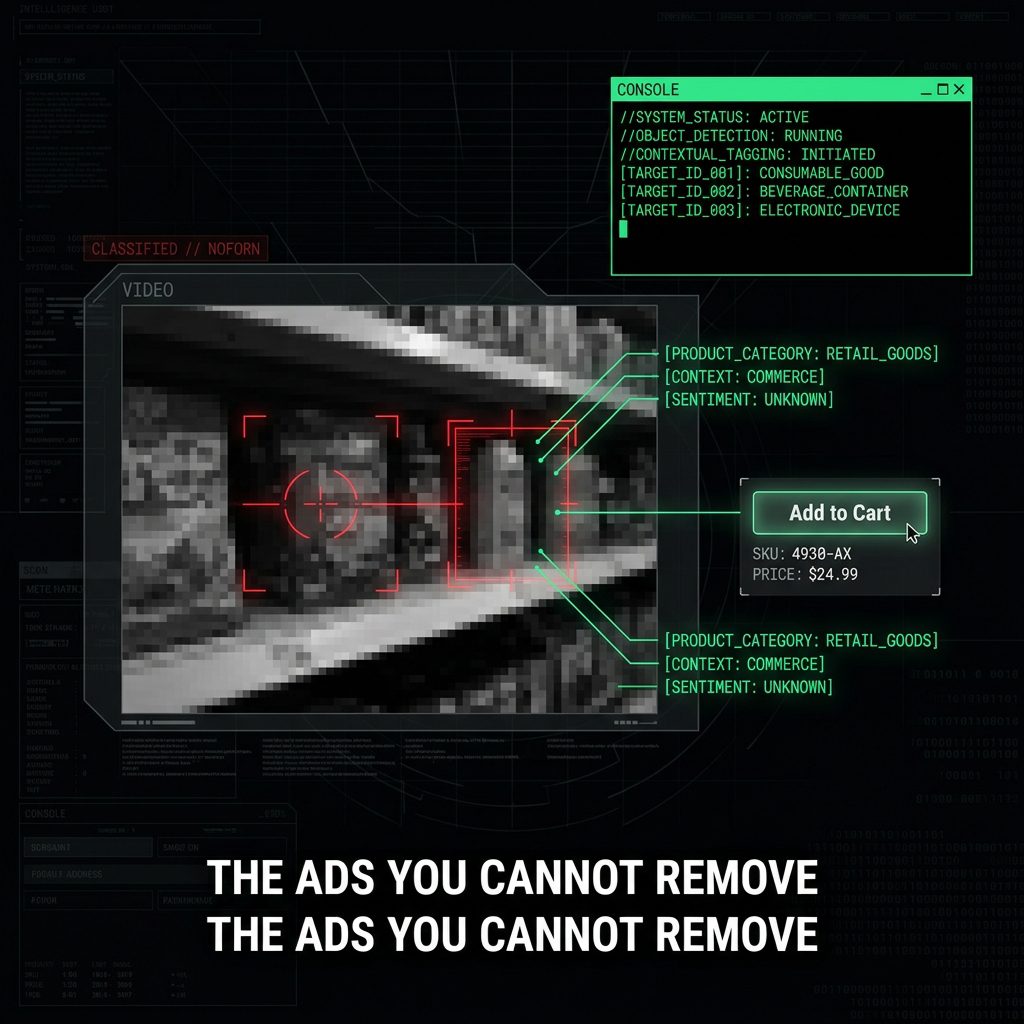
The ad often features an “Add to Cart” button, stays on screen as long as you remain paused, and can even send an automated email directly to the primary account holder when interacted with. No subscription tier removes this tracking and targeting.
Shoppable Carousel Ads:
Introduced to completely blur the line between entertainment and e-commerce, this highly interactive format appears during ad breaks. A sliding lineup of products dynamically appears on your screen, and using your TV remote, you can browse and add products directly to your Amazon cart without ever picking up your phone.
The show automatically pauses while you shop and only resumes when you stop interacting with the carousel. It transforms your television from a viewing device into a digital storefront. Because this format represents the holy grail of conversion for Amazon, no subscription tier removes this.
Live Sports and Live TV Ads:
All live broadcasts, including major events like Thursday Night Football, will always feature advertisements.
Furthermore, free ad-supported programming (like Freevee content, which Amazon has heavily integrated into the Prime Video interface to confuse viewers) and some add-on channel subscriptions will continue to serve commercials. No tier removes these, as confirmed by Amazon’s own customer service documentation.
What Actually Works for Each Situation
Because different readers are dealing with different frustrations, and because the platform is intentionally confusing, I have structured this practical fix section by your specific situation rather than by the method.
SITUATION 1: Seeing standard video ads on a regular Prime subscription
If you are on the base Prime tier and want to stop the standard commercial interruptions during on-demand movies and shows, you have three options, ranked in honest order from most to least effective:
Option A — Pay for Prime Video Ultra (Ad-Free Tier)
This is the official, Amazon-sanctioned path. Paying the extra monthly fee removes most standard video ads from on-demand content. However, as established above, it absolutely does not remove live content ads, pause ads, or shoppable interactive formats.
Because Amazon raised the price in March 2026 without a clear announcement, you will need to check primevideo.com for the latest exact cost in your region.
Best for: People who watch mostly on-demand content directly on their smart TVs and want the simplest, most frictionless fix, despite the ongoing price hikes.
Option B — Download for Offline Viewing
This is a genuinely free, highly effective workaround that Amazon actively tries to ensure you do not use. If you open the Prime Video app on your mobile phone or tablet, find the movie or episode you want to watch, and hit the download button, you can bypass the commercial injection system entirely.
When you play that downloaded file from the ‘Downloads’ tab while your device is disconnected from the internet, it is confirmed to be ad-free. Note that this method does not work on Smart TVs or streaming sticks.
Best for: People who plan what they watch in advance, frequent commuters, or users who primarily consume their media on mobile devices or tablets.
Option C — Use an Ad Blocker on Desktop
If you watch Prime Video via a web browser on a desktop or laptop computer, certain sophisticated ad blockers can intercept the video ad delivery. However, this method is highly inconsistent. Amazon actively fights ad blockers, constantly updating their video player architecture to bypass these extensions.
Furthermore, relying on browser extensions can be incredibly dangerous; never use a random ad blocker extension that asks for excessive permissions. Many malicious extensions collect your browsing data while falsely claiming to protect your privacy.
Best for: Desktop browser viewers who are technically proficient and want a temporary workaround while evaluating their long-term subscription options.
SITUATION 2: Paid for the ad-free tier but still seeing ads
If you are paying the extra monthly fee for the “ad-free” experience and still seeing video ads, this is not a technical bug or a glitch with your account. Specific content always shows ads regardless of your plan. Check if what you are watching falls into these specific categories before assuming something is wrong:
– Live sports (like Thursday Night Football or Premier League matches depending on your region)
– Live television channels broadcasting through the app
– Freevee programming (which is heavily mixed into the regular Prime Video interface and always contains ads)
– Third-party add-on channels that require separate subscriptions.
If your content falls into these buckets, you are experiencing the intended design of the platform.
SITUATION 3: Pause ads appearing on your screen
There is absolutely no official opt-out for pause ads on any tier, paid or unpaid. The AI-driven contextual matching is permanently baked into the platform’s core architecture. The only effective workaround relies on exploiting how the ad trigger is coded: use the 10-second rewind button instead of the pause button when you need to step away briefly. The pause ad only fires on a full, dedicated pause event; it does not trigger during a rewind or fast-forward sequence.
SITUATION 4: Shoppable carousel ads appearing during breaks
Again, no opt-out exists on any tier for this highly interactive format. The most important advice here is to ignore them completely. Do not interact with them, do not scroll through the products, and do not use your remote to highlight items out of curiosity. Every single interaction generates additional purchase intent signals that feed directly into Amazon’s massive ad targeting system.
Honest Summary:
The only ads you can fully remove are standard video ads during on-demand content—and only by paying for the ad-free tier or downloading content first. Everything else Amazon has built into Prime Video since 2024 exists on every tier including paid. That is not an accident or a technical limitation. It is deliberate product design.
The only amazon prime video ads you can fully remove are standard video ads during on-demand content.
Why Amazon Can Do This (And What It Means For Your Data)
Amazon is not just showing you annoying commercials; they are executing an advanced surveillance strategy that no other streaming platform on earth can match.
They are closing the loop between what you watch and what you buy in real time, because no other streaming platform also owns the underlying checkout infrastructure. The contextual pause ad is simply the most visible, aggressive example of this mechanism at work.
According to Amazon’s own executive statements made to entice advertisers, an astonishing 88% of Prime Video viewers in the US have shopped on Amazon. They use “trillions of first-party signals” to target you.
They combine your purchase history, your browsing habits, what you watch on Prime Video, and what you say to Alexa to build an inescapable profile.
To put this vast data advantage in perspective: Google tracks your searches. Amazon tracks your actual purchases. I covered how Google tracks your interests even after you think you opted out separately—but Amazon’s purchase data is a fundamentally harder signal to escape.
Purchase data is the absolute most valuable advertising signal that exists, because it definitively proves what you are actually willing to spend real money on.
This intensely personal data does not just stay confined to your television screen. It feeds directly into the tracking system that connects what you watch to every ad that follows you across the internet. Run Amazon’s privacy policy through the Privacy Policy Analyzer to see every data category they admit to collecting—in plain English, not intentionally dense legal text.
If you are uncomfortable with this level of surveillance capitalism invading your living room, you cannot fully turn it off, but you can limit the damage. Start here with Amazon’s Advertising Preferences page if you want to restrict what Amazon can do with your data, even if you cannot remove all the ads from your screen.
The Bottom Line
Amazon raised the price of ad-free viewing in March 2026. They doubled the ad volume in 2025 without telling you. They added aggressive new ad formats that no subscription removes. Whether Prime is still worth what they are asking you to pay is your decision. Now you have everything you need to make it.